Communicate Faster with Business Text Messaging. Text Messaging for Your Business Has Never Been Easier!
SlyText is a business text messaging service that enables two way communications from the
web
to any
smartphone in the United States or Canada... and back! Incorporate mass texting for business into
your
marketing
strategy and send personalized text messages to hundreds of contacts in minutes. Slytext
supports
text,
video,
audio, emoji, and picture messaging.

Text Messages for Business Features
Make the most out of online texting & web based texting with features and analytics to help you succeed.

Multimedia Messaging
Send MMS & SMS marketing messages, videos, pictures, and audio files


#Custom Fields
Personalize your SMS text messages and insert customer specific information for each text

Campaign Success
Track results in real-time from your dashboard and get reports on your text marketing campaigns
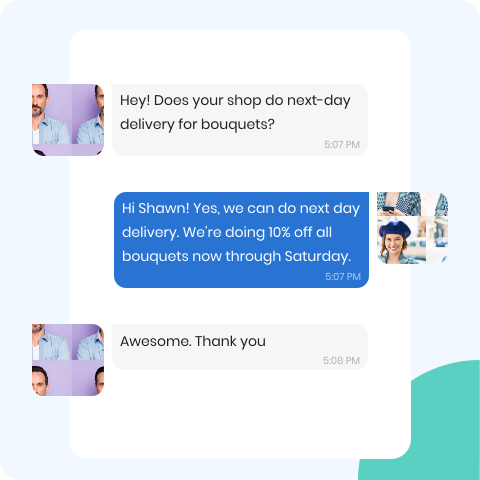
Text Enable Any Number
Select a slyText phone number from within your preferred area code or bring your own landline or VoIP number. Your messages will be sent from this number and recipients are able to reply.
You can also forward any calls made to your account's slyText phone number to the number of your choice. Never miss a call outside of business hours again.
 Delivery to all mobile devices
Unbeatable open rates
Message text in any language
High sending speed
Delivery to all mobile devices
Unbeatable open rates
Message text in any language
High sending speed
Special Features of slyText
With #custom fields, you can personalize your business SMS text messages and insert customer specific information.
Use the capabilities of the platform: increase the conversion of bulk SMS
and
user engagement.
Import contacts easily
Auto-responder
Smart reply with keywords
Analyze efficiency
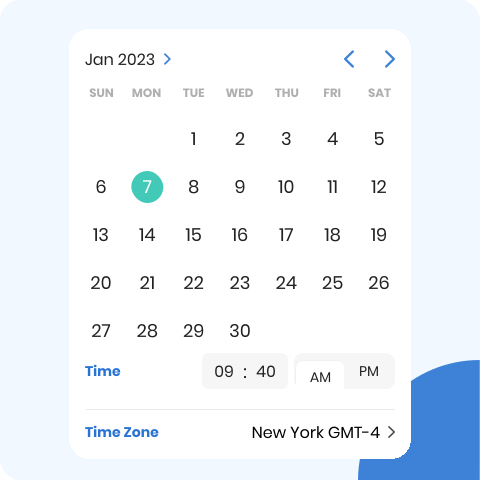
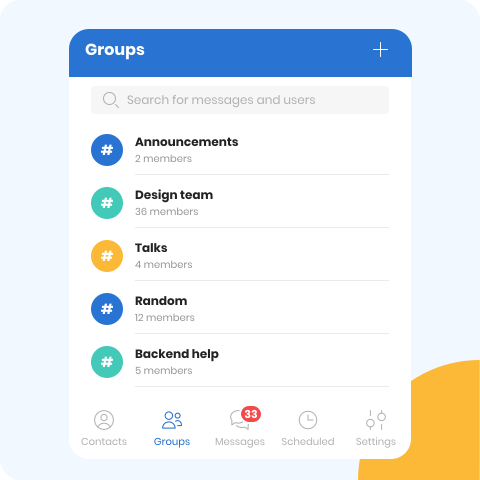
Fully Featured Mobile App
Manage your entire text messaging program on the go with our free mobile
app. It
contains all the same great features our desktop experience offers and supports both Apple and
Android.


Join Our Newsletter
Subscribe to our newsletter, no spam. By subscribing you agree to our Terms
of
Use and Privacy Policy.

How Can Slytext Help Your Business?
Our text messaging service is not only convenient for your customers, but is an ideal business texting software for
those in sales, customer service and marketing. And, for those that want to utilize a mass
notification system to stay in touch with a large group. Web text message marketing gets deals, promotions and important information to
your customers fast via SMS messges.
those in sales, customer service and marketing. And, for those that want to utilize a mass
notification system to stay in touch with a large group. Web text message marketing gets deals, promotions and important information to
your customers fast via SMS messges.

Coverage of a Larger Audience
Build an audience of highly engaged subscribers and send out messages. Theres no limit to how many you can send per day.

Sale Announcement
No more A/B testing subject lines hoping for higher open rates, with text message marketing, your offers are always seen.

Personalized Messages
Use segments and custom fields to make your SMS text marketing campaigns unique to every subscriber-automatically.

Show Results
Gain insight into what's working. View reports on who received your message and who did not.


How it Works
Simple as 1-2-3

Create an account
Register with slyText & select a plan to get started. You
can
scale up or down at any time based on your messaging needs.
Create an account

Complete 10DLC Forms
You will need to document the company's legal name, country of registration, tax number, website and a few other fields.
Learn More

Start sending SMS
Once approved, you can create and start sending text messages. Our software makes
it
incredibly simple to send and schedule your messages.
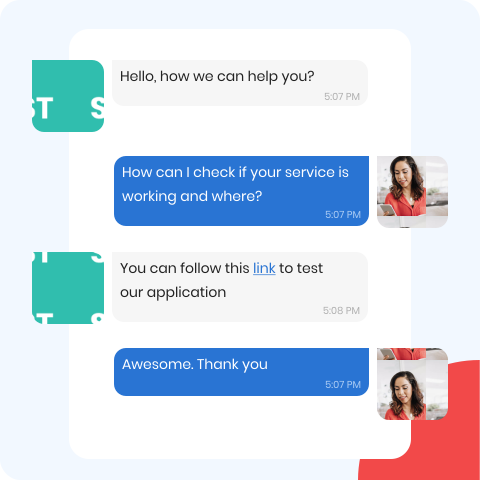
Business Text Messaging Works
Skip the email marketing and try our business texting app. Whether you're a small business using the group messaging app for follow-up messages or a corporation
using the API in workflows, we think you'll love our online texting app.
However, if you aren't completely
satisfied with your first text marketing campaign, we'll refund your money.
See Terms of Use.
Have questions? Call a customer support team member at +1 (617) 399-9980 or email us at
support@slytext.com.


